 Our Client Reviews


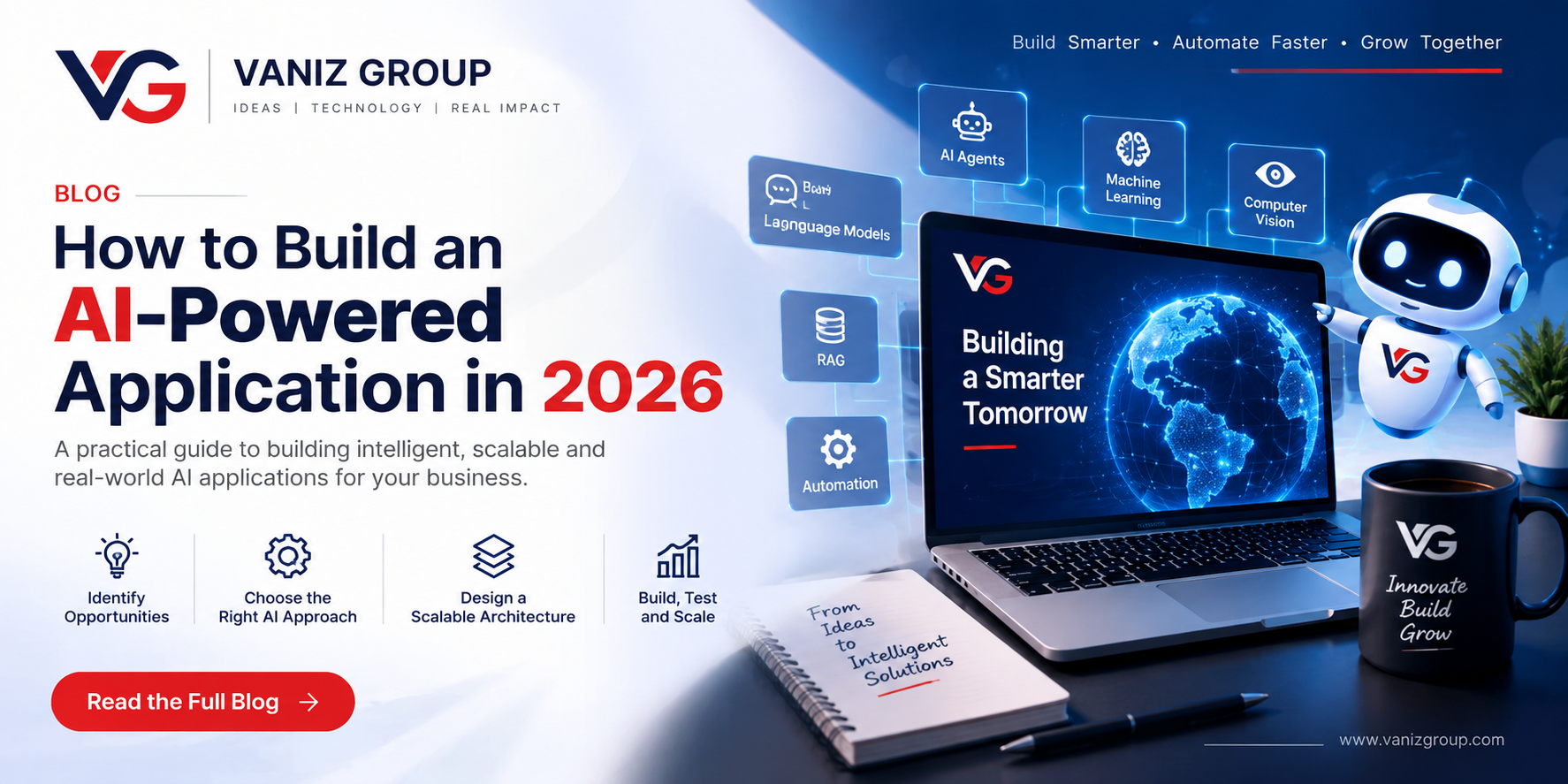
Artificial intelligence is rapidly becoming a core part of modern software applications. Businesses are using AI to automate repetitive tasks, analyze information, improve customer experiences, generate content, provide recommendations, and support employees.
In 2026, building an AI-powered application is more accessible than ever. Businesses can integrate large language models, machine learning systems, AI agents, speech recognition, computer vision, and intelligent automation into web and mobile applications.
However, simply connecting an AI model to an application does not create a successful AI product. A reliable AI-powered application requires the right architecture, data strategy, security, user experience, and infrastructure.
This guide explains the key steps involved in building an AI-powered application in 2026, from defining the business problem to selecting AI technologies, designing the architecture, managing data, controlling costs, testing AI systems, and monitoring performance.
What Is an AI-Powered Application?
An AI-powered application is a software product that uses artificial intelligence to perform tasks that traditionally require human intelligence or decision-making.
Common examples of AI-powered applications include:
AI chatbots and virtual assistants
Document analysis applications
AI-powered search
Recommendation systems
Predictive analytics platforms
AI content generation tools
Customer support automation
Voice-enabled applications
Computer vision solutions
AI-powered business automation
Intelligent CRM and ERP systems
The AI component can be integrated into an existing application or designed as the foundation of an entirely new software product.
1. Start With a Clear Business Problem
The first step in AI application development is not choosing an AI model.
It is identifying the problem you want AI to solve.
For example, a business might want to:
Automatically classify customer inquiries
Extract information from invoices
Summarize business documents
Generate personalized recommendations
Automate customer support
Analyze large amounts of business data
Predict demand or customer behavior
Automate repetitive workflows
A clearly defined problem makes it easier to determine whether AI is actually necessary and which AI technology is appropriate.
Instead of asking, "Where can we use AI?", ask:
"Which business process can AI make faster, smarter, or more efficient?"
This approach helps businesses focus on measurable results instead of adding AI simply because it is a current technology trend.
2. Choose the Right AI Approach
There is no single AI technology that works for every application.
Depending on the use case, an AI-powered application may use large language models, retrieval-augmented generation, machine learning, computer vision, AI agents, or a combination of several technologies.
Large Language Models
Large language models can power conversational interfaces, content generation, summarization, classification, reasoning, and many other text-based features.
They are particularly useful for applications involving natural language.
Retrieval-Augmented Generation
Retrieval-Augmented Generation, commonly known as RAG, allows an AI system to retrieve relevant information from a company's own data before generating an answer.
For example, an internal business assistant could search company documents, policies, product information, or knowledge bases and use the retrieved information to generate a response.
RAG can be useful when an application needs to work with private or frequently changing business information.
Machine Learning Models
Traditional machine learning can be more appropriate for tasks such as:
Forecasting
Fraud detection
Classification
Recommendation systems
Risk analysis
Predictive analytics
Machine learning can be particularly useful when an application needs to identify patterns in structured historical data.
Computer Vision
Computer vision can be used when applications need to understand images or video.
Examples include:
Document processing
Object detection
Image classification
Quality inspection
Visual analysis
Computer vision can be integrated into business applications, mobile apps, manufacturing systems, healthcare solutions, and other software products where image or video analysis is required.
AI Agents
AI agents can combine AI models with tools, APIs, databases, and workflows to perform multi-step tasks.
For example, an AI business assistant could understand a request, retrieve customer information, check an order, call an external API, and prepare a response.
The right AI approach depends on the application's requirements, data, accuracy expectations, technical complexity, and budget.
3. Design the AI Application Architecture
A reliable AI application needs more than an AI model.
A typical AI application architecture can include:
User to Frontend to Backend API to AI Service to Data and Tools
Additional components may include:
Authentication
Database
Vector database
File storage
AI model provider
Caching
Background workers
Monitoring
Logging
External APIs
Keeping AI functionality behind a backend service is often useful because it allows developers to manage authentication, business rules, data access, logging, and AI requests centrally.
A well-designed architecture also makes it easier to change AI providers or models as the product evolves.
4. Prepare and Manage Your Data
Data is one of the most important components of an AI application.
If an AI system needs to work with company information, the data must be properly collected, cleaned, structured, and maintained.
Potential data sources include:
PDF files
Business documents
Databases
Websites
CRM systems
ERP systems
Product catalogs
Customer records
Support conversations
Internal knowledge bases
For RAG-based applications, documents can be processed, divided into meaningful sections, converted into embeddings, and stored in a vector database for semantic retrieval.
Poor-quality or outdated data can lead to unreliable AI responses.
For this reason, data preparation and data management should be treated as important parts of AI application development rather than secondary tasks.
5. Build a Reliable Backend
The backend acts as the control layer between your application and AI services.
It can handle:
User authentication
Authorization
AI requests
Data retrieval
Prompt management
API integrations
Usage limits
Billing
Logging
Error handling
Technologies such as Node.js, .NET, Python, and other modern backend frameworks can be used depending on the project's requirements.
A well-designed backend also makes it easier to change AI providers or models in the future without rebuilding the entire application.
This approach can help businesses maintain flexibility as AI technologies continue to evolve.
6. Design Effective AI Prompts and Workflows
The quality of an AI application's output depends heavily on how the AI system is instructed.
Prompt engineering can define:
The AI's role
Expected response format
Available information
Business rules
Restrictions
Desired tone
Output structure
For production applications, prompts should not simply be placed throughout the codebase.
A centralized prompt and workflow strategy makes it easier to test, improve, and manage AI behavior.
For complex applications, AI workflows can combine prompts, data retrieval, external tools, validation, and human approval rather than relying on a single AI request.
This creates a more controlled and predictable AI application.
7. Add Security and Privacy From the Beginning
AI applications can process sensitive business and customer information, making security especially important.
Important security considerations include:
Secure authentication
Role-based access control
Encryption
API security
Input validation
Access controls
Secure data storage
Audit logging
Rate limiting
Protection against prompt injection
Careful handling of sensitive information
For enterprise AI applications, access to company data should be based on user permissions.
For example, an employee should not receive AI-generated answers based on documents or records they are not authorized to access.
Security should therefore be considered throughout the architecture, data layer, backend, AI workflows, and external integrations.
8. Control AI Costs and Performance
AI usage can become expensive if every user action results in a large model request.
AI cost optimization strategies can include:
Choosing the appropriate model for each task
Limiting unnecessary requests
Caching repeated results
Controlling input size
Optimizing retrieved documents
Using smaller models for simpler tasks
Processing non-urgent workloads asynchronously
You should also monitor AI-specific metrics such as:
Request volume
Response latency
Token usage
Errors
Estimated AI cost
AI architecture should therefore consider performance and cost from the beginning, not after the application has gained thousands of users.
A cost-efficient AI architecture can make a significant difference to the long-term profitability of an AI-powered product.
9. Test AI Applications Differently
Traditional software testing is not enough for AI-powered applications.
AI outputs can vary, so testing should evaluate both the software and the quality of AI responses.
AI application testing can include:
Accuracy testing
Prompt testing
Retrieval testing
Hallucination checks
Security testing
Performance testing
Edge-case testing
Regression testing
Create a set of realistic test cases and continuously evaluate how the application responds as prompts, models, data, and workflows change.
For applications handling important business decisions, human review may also be appropriate.
AI testing should continue throughout the product lifecycle rather than being performed only before launch.
10. Monitor and Improve the AI System
Launching an AI application is not the end of development.
AI systems should be continuously monitored and improved.
Track metrics such as:
Response time
Error rates
AI usage
Token consumption
Retrieval quality
User feedback
Failed workflows
Infrastructure performance
AI operating costs
User feedback can reveal where the AI system is performing well and where it needs improvement.
Continuous monitoring also makes it easier to identify unexpected behavior, performance issues, and rising infrastructure costs.
Regular evaluation allows businesses to improve AI workflows and maintain a better user experience as requirements change.
Common Mistakes When Building AI Applications
Adding AI Without a Real Use Case
AI should solve a meaningful business problem rather than being added simply because it is trending.
A clear use case helps organizations measure the value of AI and determine whether the investment is worthwhile.
Choosing the Most Powerful Model for Everything
A more powerful model is not always necessary.
Different tasks may require different models and approaches. Using the appropriate model for each task can help balance performance, quality, speed, and cost.
Ignoring Data Quality
Poor or outdated data can significantly reduce the usefulness of an AI system.
Data should be regularly reviewed, updated, and managed to maintain reliable AI results.
Treating AI Output as Always Correct
AI systems can produce incorrect or misleading information.
Important workflows should include validation and appropriate human oversight when necessary.
Forgetting Security
AI applications can introduce new risks, particularly when they can access company databases, documents, or external tools.
Security controls should therefore be implemented before the application reaches production.
Not Monitoring AI Costs
An AI feature that works well technically can still become commercially impractical if usage costs are not controlled.
Monitoring usage, model selection, request volume, and token consumption can help maintain predictable operating costs.
How Much Does It Cost to Build an AI-Powered Application?
The cost of developing an AI-powered application depends heavily on its complexity.
A simple AI feature integrated into an existing application can require significantly less development than a complete AI platform with custom data pipelines, RAG, AI agents, dashboards, authentication, billing, and enterprise integrations.
Factors that influence AI application development costs include:
Application complexity
AI model requirements
Data volume
Number of integrations
User roles
Security requirements
Cloud infrastructure
AI usage
Custom machine learning requirements
Mobile and web requirements
For this reason, AI development projects should be estimated after understanding the application's functionality, business objectives, technical requirements, integrations, and expected usage.
Final Thoughts
Building an AI-powered application in 2026 is about more than integrating an AI model into a website or mobile application.
A successful AI product combines the right business use case, suitable AI technology, quality data, reliable architecture, strong security, effective workflows, and continuous monitoring.
Start with a clear problem, choose the appropriate AI approach, build a strong application architecture, protect your data, test AI behavior, and monitor performance and costs after launch.
When these elements are planned correctly, AI can become a powerful part of a modern software product rather than simply an added feature.
Build an AI-Powered Application with Vaniz Group
Vaniz Group helps businesses and startups develop AI-powered applications, intelligent automation solutions, web applications, APIs, CRM and ERP systems, and custom software.
From AI integration and backend development to data processing, API integrations, cloud deployment, and automation workflows, Vaniz Group can help turn your AI idea into a practical, production-ready application.
If you are planning an AI-powered application or looking to add AI capabilities to an existing software product, contact Vaniz Group to discuss your project requirements.