 Our Client Reviews

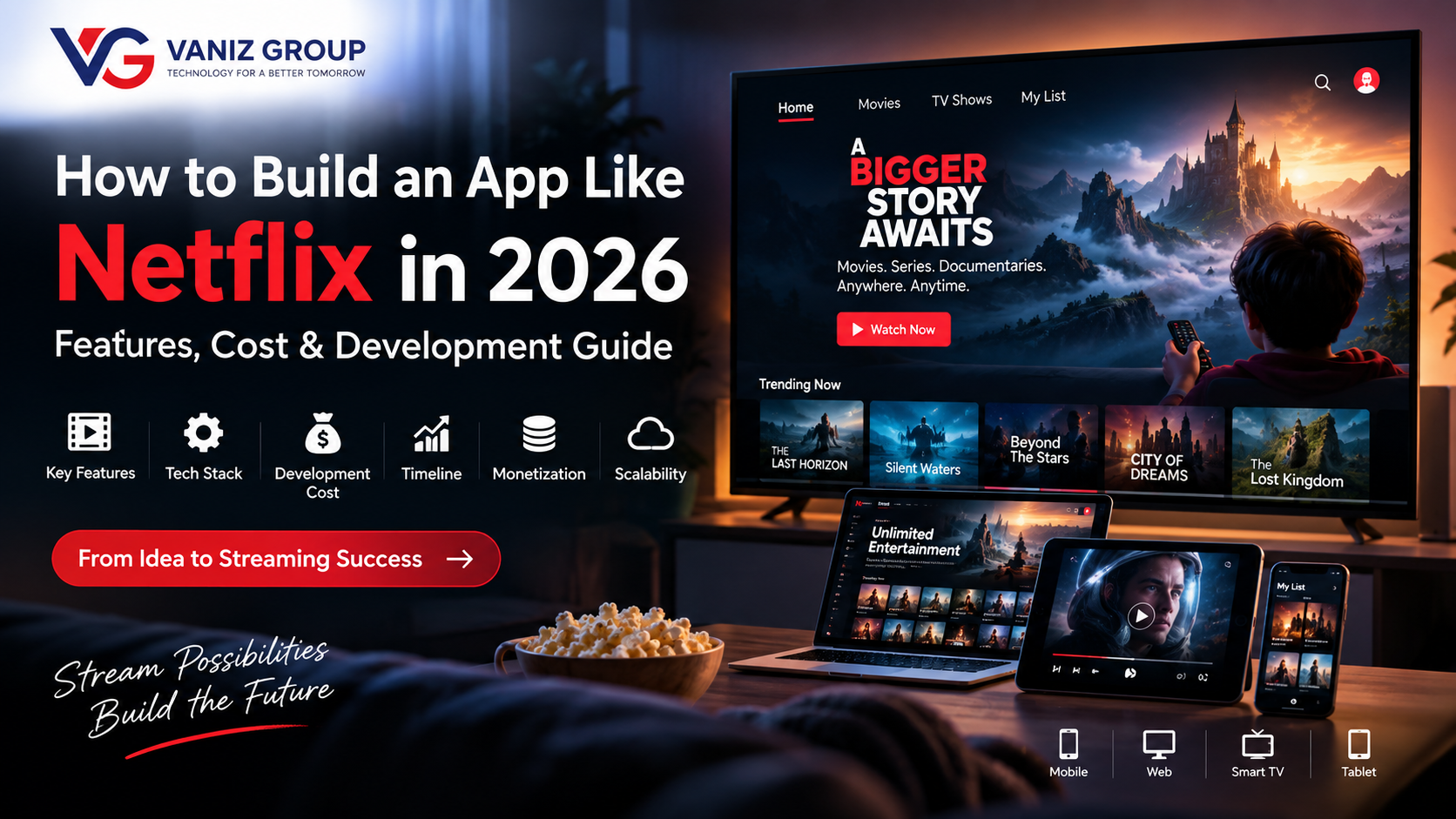
The way people consume movies, TV shows, documentaries, and other video content has changed significantly. Streaming platforms allow users to watch content whenever they want, across smartphones, tablets, smart TVs, desktops, and other connected devices.
Netflix is one of the best-known examples of a subscription-based streaming platform. Its combination of content discovery, personalized recommendations, multiple profiles, subscription plans, video streaming, and cross-device access provides a useful reference for businesses planning their own streaming application.
If you are planning to build an app like Netflix, you do not necessarily need to reproduce every feature of a large global platform. A focused MVP can start with core streaming functionality and expand as your audience and content library grow.
This guide explains how to build a streaming app like Netflix, including its key features, technology stack, development process, estimated cost, timeline, monetization options, and scalability considerations.
What Is a Streaming App Like Netflix?
A streaming application is a platform that allows users to discover and watch video content through the internet.
Depending on the business model, the platform can offer:
Movies
TV shows
Web series
Documentaries
Short-form videos
Educational videos
Live content
Original productions
User-specific recommendations
A typical streaming platform has three major components:
User Application → Streaming & Backend Infrastructure → Admin/Content Management System
The user application handles browsing and playback, the backend manages users and business logic, and the content infrastructure handles video storage, processing, delivery, and streaming.
How Does an App Like Netflix Work?
A streaming platform involves considerably more than a mobile application.
A simplified architecture looks like this:
User → Mobile/Web/TV App → API → Backend → Database
For video playback:
Video Storage → Encoding/Transcoding → CDN → Streaming Player → User Device
When a user selects a movie, the application requests the appropriate content information from the backend. The video is then delivered through a streaming infrastructure designed to handle different devices, network conditions, and video qualities.
A recommendation system can use viewing activity and other permitted signals to personalize content discovery.
Key Features of an App Like Netflix
1. User Registration and Login
Users should be able to create accounts and securely access their profiles.
Common options include:
Email and password
Phone number
Social login
Password recovery
Email verification
Secure authentication
Authentication should be designed around the platform's security and privacy requirements.
2. User Profiles
Multiple profiles can allow members of the same account to maintain separate viewing experiences.
Each profile can have:
Name
Profile picture
Language preferences
Viewing history
Personalized recommendations
Watchlist
Age/content restrictions
This is particularly useful for households sharing a subscription.
3. Home Screen
The home screen is one of the most important parts of a streaming application.
It can display sections such as:
Continue Watching
Trending Content
New Releases
Popular Movies
Recommended For You
Recently Added
Genres
My List
A dynamic home page can personalize the experience for each user.
4. Content Categories and Genres
Users should be able to browse content by categories.
Examples include:
Action
Comedy
Drama
Thriller
Documentary
Animation
Kids
Science Fiction
Romance
Content can also be organized by language, release year, popularity, or other metadata.
5. Search
A powerful search system helps users quickly find content.
Search can support:
Movie titles
TV shows
Actors
Directors
Genres
Languages
Keywords
Autocomplete and relevant suggestions can make discovery faster.
6. Movie and Show Details
Each piece of content can have a dedicated details page.
It may include:
Poster
Trailer
Title
Description
Genre
Release year
Duration
Cast
Director
Rating information
Language
Subtitles
Episodes
Related content
The page should provide a clear path to start watching.
7. Video Streaming
Video playback is the core feature of the platform.
The player may support:
Play/pause
Seek
Volume
Full screen
Playback speed
Video quality selection
Subtitles
Multiple audio tracks
Resume playback
Adaptive streaming can allow video quality to adjust based on available network conditions.
8. Continue Watching
Users should be able to resume videos from approximately where they stopped watching.
For example:
Movie → Watched 42 minutes → Exit → Resume later
The application can store playback progress and synchronize it across supported devices.
9. Watchlist / My List
Users can save movies and shows for later.
A watchlist can allow users to:
Add content
Remove content
Browse saved titles
Start watching
Receive relevant notifications
10. Personalized Recommendations
Recommendations can make a streaming platform significantly more engaging.
Depending on the system design, recommendations may consider signals such as:
Viewing history
Genres watched
Search activity
Content interactions
Language preferences
Completion behavior
Machine-learning or rules-based recommendation systems can then generate personalized content suggestions.
11. Subscription Plans
If the platform follows a subscription model, users can choose from different plans.
For example:
Basic Plan
Limited supported devices
Standard video quality
Standard Plan
More devices
Higher video quality
Premium Plan
Additional device access
Higher resolution
Additional features
The actual plans and benefits should be designed around your business model.
12. Payment Gateway Integration
The application can integrate secure payment infrastructure for subscriptions or other transactions.
Depending on the target market, payment options may include:
Cards
Digital wallets
Bank-based payment methods
App-store billing
Other supported payment providers
Payment processing should follow applicable platform and regulatory requirements.
13. Notifications
Push notifications can keep users informed about relevant activity.
Examples include:
New releases
New episodes
Subscription updates
Recommended content
Watchlist updates
Account notifications
Notifications should be relevant rather than excessive.
14. Parental Controls
If the platform offers family or children's content, parental controls can help manage access.
Possible functionality includes:
Profile restrictions
Age-based content controls
PIN protection
Kids profiles
Restricted search
Viewing controls
15. Multi-Device Support
A modern streaming platform may support:
Android
iOS
Web browsers
Smart TVs
Tablets
Other supported streaming devices
The exact device strategy depends on the target market.
Features for the Admin Panel
A streaming platform also requires a powerful backend administration system.
Administrators may need to manage:
Content Management
Movies
Shows
Episodes
Trailers
Posters
Categories
Genres
Languages
Subtitles
Audio tracks
User Management
Users
Profiles
Subscriptions
Account status
Access permissions
Subscription Management
Plans
Pricing
Promotions
Renewals
Cancellations
Subscription status
Analytics
Administrators can monitor:
Active users
Content views
Watch time
Popular titles
Subscription activity
Revenue
Retention metrics
Playback issues
Advanced Features for a Netflix-Like App
Once the MVP is established, additional functionality can be introduced.
AI-Powered Recommendations
AI can analyze permitted behavioral signals to improve content discovery.
Smart Search
Natural-language search can allow users to describe what they want to watch rather than searching only for exact titles.
AI Content Discovery
An AI assistant could help users find content based on mood, genre, language, duration, or other preferences.
Offline Downloads
Users can download eligible content for offline viewing, subject to licensing and content-protection requirements.
Multiple Audio and Subtitle Options
Support for multiple languages can help expand the platform internationally.
Live Streaming
Depending on the business model, live channels, events, or broadcasts can be added.
Watch Party
Users could potentially watch supported content together with synchronized playback and communication features.
How to Build an App Like Netflix
1. Define Your Streaming Business Model
Before development, determine what type of platform you want to build.
Possible models include:
Subscription Video on Demand (SVOD)
Advertising Video on Demand (AVOD)
Transactional Video on Demand (TVOD)
Freemium
Pay-per-view
Hybrid models
The business model influences features, infrastructure, monetization, and content strategy.
2. Define Your Content Strategy
Content is central to any streaming platform.
Determine:
What content you will offer
Where the content comes from
Licensing requirements
Target countries
Supported languages
Content categories
Content availability
Distribution rights
You should ensure that you have the appropriate rights to distribute the content through your platform.
3. Plan the MVP
Instead of developing every possible feature initially, define a focused MVP.
A basic streaming MVP could include:
Registration/login
User profiles
Content catalog
Categories
Search
Content details
Video player
Watch history
Continue Watching
Watchlist
Subscription
Payments
Admin panel
Advanced recommendations, offline downloads, smart TVs, and other functionality can be added later.
4. Design the UI/UX
The design should make content discovery simple.
Important screens can include:
Splash screen
Login
Home
Search
Categories
Content details
Video player
My List
Continue Watching
Profile
Subscription
Settings
A responsive design system can also help maintain consistency across mobile, web, and TV interfaces.
5. Design the Streaming Architecture
Streaming architecture requires special attention to:
Video storage
Encoding
Transcoding
Content delivery
CDN
Streaming protocols
Authentication
Access control
Playback analytics
Scalability
The architecture should be planned around expected traffic and content volume.
6. Develop the Backend and APIs
The backend can manage:
Users
Profiles
Content metadata
Categories
Subscriptions
Payments
Watch history
Recommendations
Notifications
Access control
REST APIs or GraphQL can connect the backend with mobile and web applications.
7. Implement Video Processing and Delivery
Uploaded video content may need to be processed into formats and resolutions suitable for streaming.
A typical pipeline is:
Upload → Transcoding → Multiple Resolutions → Storage → CDN → Streaming
This allows the platform to deliver appropriate video quality to different devices and network conditions.
8. Integrate Payments and Subscriptions
Implement subscription management and payment processing based on the target countries and distribution platforms.
The system should account for:
New subscriptions
Renewals
Failed payments
Cancellations
Refunds where applicable
Plan changes
Subscription access
9. Test the Application
Streaming applications require extensive testing.
Test:
Login
Search
Playback
Buffering
Video quality
Subtitles
Audio
Subscription access
Payments
Downloads where supported
Network switching
Different screen sizes
Multiple devices
Load testing is especially important before large-scale launch.
10. Launch and Scale
After testing, launch the application to the selected platforms.
Monitor:
Application crashes
Playback failures
Buffering
API performance
Server utilization
CDN performance
Subscription conversion
User engagement
Infrastructure can then be scaled according to actual demand.
Technology Stack for a Netflix-Like App
The technology stack can vary depending on requirements.
Mobile
Flutter
React Native
Native Android
Native iOS
Web
React.js
Angular
Next.js
Backend
Node.js
ASP.NET Core
Java / Spring Boot
Database
PostgreSQL
MySQL
SQL Server
MongoDB where appropriate
Cloud
AWS
Microsoft Azure
Docker
CI/CD
APIs
REST
GraphQL
WebSockets where real-time functionality is required
Video Infrastructure
A streaming platform may require:
Object storage
Video transcoding
CDN
Adaptive bitrate streaming
Media processing
Playback analytics
Content access controls
The final architecture should be selected based on content volume, expected traffic, supported devices, geographic distribution, and business requirements.
How Much Does It Cost to Build an App Like Netflix in 2026?
The development cost depends heavily on the platform's scope and streaming infrastructure.
Basic Streaming MVP
Estimated cost: $20,000–$40,000
Suitable for a focused streaming application with basic catalog, authentication, video playback, subscriptions, and administration.
Medium Streaming Platform
Estimated cost: $40,000–$100,000
May include:
Advanced content management
Multiple profiles
Recommendations
Subscription management
Multiple platforms
Analytics
Advanced streaming infrastructure
Advanced Netflix-Like Platform
Estimated cost: $100,000–$300,000+
A large-scale platform may require:
Multiple applications
Smart TV support
Advanced recommendation systems
Offline downloads
Multiple languages
Advanced analytics
Large-scale CDN infrastructure
Content protection
Extensive third-party integrations
High availability architecture
These are broad software-development estimates. Infrastructure, video storage, CDN usage, licensing, content acquisition, payment fees, app-store fees, and ongoing maintenance can create additional costs beyond initial development.
How Long Does It Take to Build an App Like Netflix?
Development time depends on the number of platforms and features.
Basic MVP
Approximately 3–5 months
Medium Streaming Platform
Approximately 5–9 months
Advanced Platform
Approximately 9–18+ months
Content infrastructure and integrations can significantly affect the timeline.
Common Challenges in Streaming App Development
Video Streaming Performance
Large video files require specialized storage, encoding, and delivery infrastructure.
Scalability
A sudden increase in concurrent viewers can place significant load on backend and media infrastructure.
Content Protection
Streaming businesses may need appropriate access controls and content-protection mechanisms based on their content rights and distribution requirements.
Licensing
The ability to stream movies, shows, or other copyrighted content depends on having appropriate distribution rights.
Multi-Device Compatibility
Playback behavior can vary across mobile devices, browsers, smart TVs, and other platforms.
CDN and Infrastructure Costs
Video delivery can generate significant bandwidth usage, making infrastructure planning important.
Recommendation Quality
A recommendation system needs suitable data, testing, and continuous improvement to remain useful.
How to Monetize a Netflix-Like App
There are several possible revenue models.
Subscription
Users pay monthly or annually for access.
Advertising
Users can access content while viewing advertisements.
Pay Per View
Users pay for individual movies, shows, or events.
Freemium
Some content is free while premium content requires payment.
Hybrid
A platform can combine subscriptions, advertising, rentals, or other monetization models where appropriate.
How to Make Your Streaming App Different
Instead of trying to compete through the sheer size of a major global catalog, a new streaming platform can focus on a specific audience or content category.
Potential approaches include:
Regional movies
Local-language content
Independent films
Educational content
Religious or cultural content
Sports-related content
Children's programming
Documentary content
Industry-specific video libraries
Creator-focused streaming
Short-form entertainment
A focused content strategy can also simplify the initial product scope.
Build Your Netflix-Like Streaming App With Vaniz Group
At Vaniz Group, we provide custom software and mobile application development for businesses looking to build digital platforms and scalable applications.
Our capabilities include:
Mobile app development
Web application development
Flutter development
API development and integration
Backend development
Cloud solutions
Database development
AI automation
Payment gateway integration
DevOps and deployment
Custom software development
We can help turn your streaming business idea into an MVP and create an architecture that can evolve as your content library, users, and platform requirements grow.
Final Thoughts
Building an app like Netflix involves much more than creating a video player. A successful streaming platform requires a combination of mobile and web applications, backend APIs, content management, video processing, cloud infrastructure, subscriptions, payments, analytics, security, and scalable content delivery.
The best approach is to start with a clearly defined audience and MVP rather than attempting to build every feature of a large streaming platform from day one.
As your platform grows, you can introduce advanced recommendations, multiple devices, offline viewing, smart TV applications, AI-powered discovery, additional languages, and other features.
Planning to build a Netflix-like streaming platform? Vaniz Group can help you design, develop, integrate, deploy, and scale a custom streaming application based on your business requirements.
Contact Vaniz Group to discuss your streaming app idea.