 Our Client Reviews

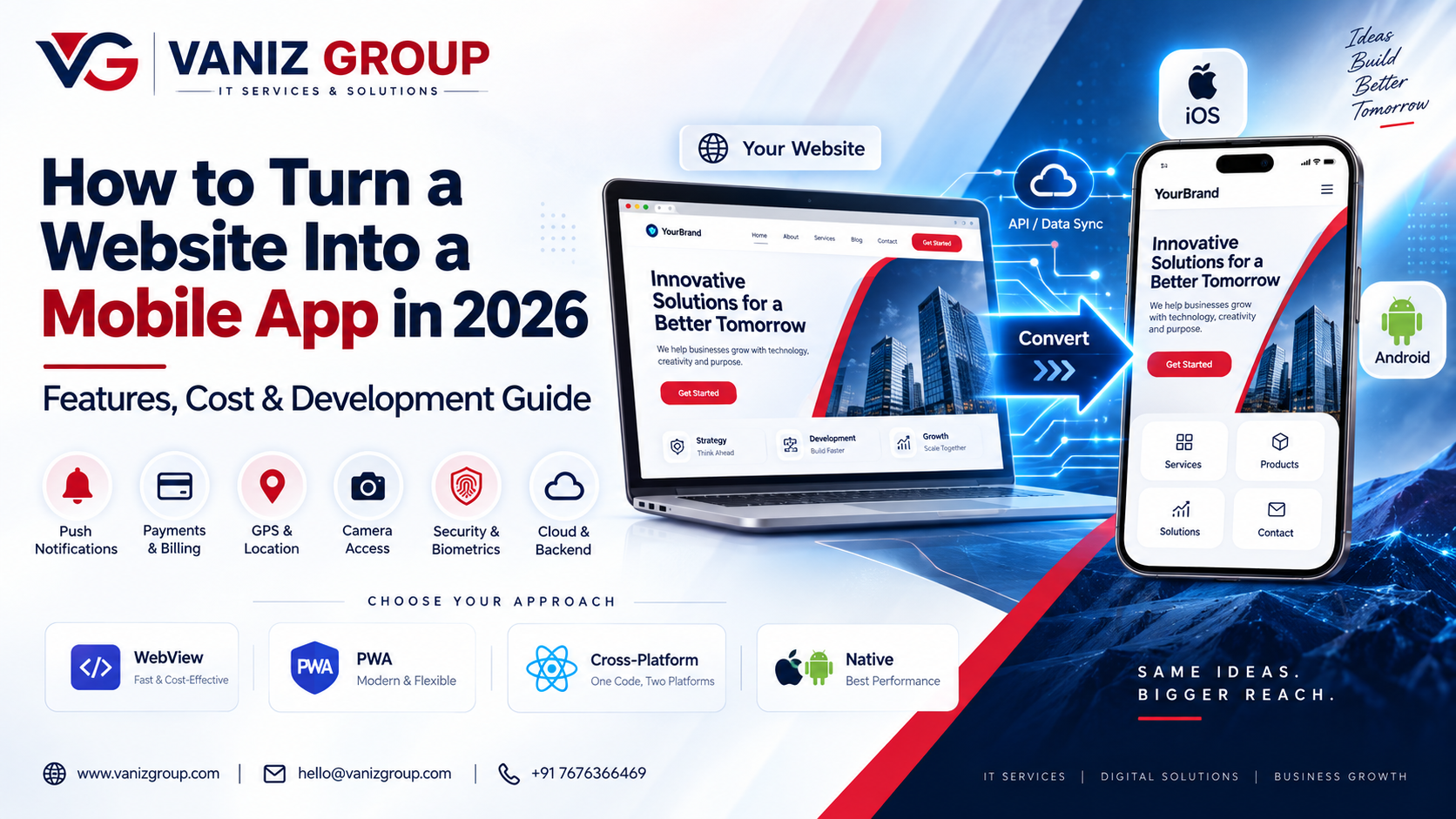
How to Turn a Website Into a Mobile App in 2026: Features, Cost & Development Guide
If you already have a website, you may not need to build a mobile application completely from scratch. Turning your existing website into a mobile app can help you reach Android and iOS users, improve accessibility, increase engagement, and provide a more app-like experience.
However, simply displaying a website inside a mobile WebView is not always the best approach. Depending on your business and website architecture, you can choose between a WebView app, Progressive Web App (PWA), cross-platform mobile app, or a fully native application.
In this guide, we explain how to turn a website into a mobile app, the available approaches, important features, development process, technology options, estimated cost, timeline, and scalability considerations.
What Does It Mean to Turn a Website Into a Mobile App?
Turning a website into a mobile app means creating an Android and/or iOS application that provides access to your existing website or its underlying functionality.
There are several approaches:
1. WebView Mobile App
A WebView application loads your existing website inside a mobile application.
This can be one of the quickest approaches when the website is already mobile-responsive.
2. Progressive Web App
A Progressive Web App allows users to access a website with app-like capabilities directly through a browser. Depending on the platform and implementation, users can install it on their device without downloading a traditional app from an app store.
3. Cross-Platform Mobile App
Frameworks such as Flutter or React Native can be used to create Android and iOS applications from a shared codebase.
The app can communicate with your existing website backend through APIs.
4. Native Mobile App
For businesses requiring maximum platform-specific functionality, separate Android and iOS applications can be developed using their respective native technologies.
The right approach depends on your website, business requirements, budget, and desired mobile features.
Why Convert a Website Into a Mobile App?
A mobile app can provide capabilities that are difficult to deliver through a traditional website alone.
Some potential benefits include:
Better mobile accessibility
Push notifications
App-store presence
Faster access to frequently used features
Mobile-specific navigation
Camera and location integration
Biometric authentication
Offline functionality
Mobile payment integration
Better user engagement
Personalized experiences
Device-level integrations
For example, an e-commerce website can become a shopping app with push notifications, saved preferences, mobile payments, wishlist functionality, and order tracking.
How to Turn a Website Into a Mobile App
The process generally involves several stages.
1. Analyze Your Existing Website
The first step is to understand how your website currently works.
Analyze:
Frontend technology
Backend technology
Database architecture
APIs
Authentication
Payment systems
User accounts
Third-party integrations
Mobile responsiveness
Performance
Security
This determines whether the website can be directly wrapped into an application or whether a dedicated mobile frontend should be developed.
2. Decide What Type of Mobile App You Need
Not every website needs the same conversion strategy.
WebView App
Suitable for:
Content websites
Simple business websites
Basic portals
Existing responsive websites
PWA
Suitable for:
Content platforms
Service websites
Lightweight applications
Businesses that want an installable web experience
Cross-Platform App
Suitable for:
E-commerce
Booking platforms
SaaS products
Restaurant applications
Customer portals
Marketplace platforms
Native App
Suitable for applications requiring extensive device-specific functionality or highly optimized platform experiences.
Choosing the correct approach early can reduce unnecessary development costs.
3. Create a Mobile-First UI/UX Design
A website and mobile application have different user-experience requirements.
Instead of simply shrinking the website onto a mobile screen, consider redesigning important screens for mobile use.
Common mobile screens include:
Splash screen
Login and registration
Home
Search
Categories
Product or service details
Cart
Checkout
Profile
Notifications
Settings
Support
Mobile navigation should be simple, fast, and easy to use with touch controls.
4. Connect the App With Your Existing Backend
If your website already has a backend, you may not need to rebuild the entire system.
A mobile application can communicate with the existing backend through APIs.
For example:
Mobile App → REST/GraphQL API → Existing Backend → Database
This approach allows the website and mobile application to share:
User accounts
Products
Orders
Bookings
Payments
Inventory
Notifications
Customer information
If your website does not have suitable APIs, API development may be required.
5. Develop the Mobile Application
After the architecture and UI/UX are finalized, developers can build the application.
For cross-platform development, technologies such as Flutter or React Native can be used to build Android and iOS applications from a shared codebase.
For native development, Android and iOS applications can be developed separately.
The choice depends on factors such as:
Required device features
Performance requirements
Budget
Development timeline
Existing technical infrastructure
Long-term maintenance requirements
6. Add Mobile-Specific Features
One of the biggest advantages of converting a website into an app is the ability to add features specifically designed for mobile devices.
Push Notifications
Send users notifications about:
Orders
Bookings
Promotions
New products
Account activity
Reminders
GPS and Location
Useful for:
Food delivery
Taxi applications
Local services
Hotel booking
Store discovery
Delivery tracking
Camera
Useful for:
Document uploads
QR code scanning
Visual search
Profile photos
Product scanning
Biometric Authentication
Depending on the application's requirements, users can authenticate using device-supported biometric capabilities.
Mobile Payments
Applications can integrate suitable payment providers to provide a convenient checkout experience.
7. Implement Authentication and Security
If your website already has user accounts, authentication needs to work securely within the mobile application.
Common technologies and practices include:
JWT authentication
OAuth
Secure token storage
HTTPS
Role-based access control
API authorization
Input validation
Encryption where appropriate
Secure payment processing
Sensitive information should not be stored insecurely on the device.
Security should be considered during architecture and development rather than added only before launch.
8. Test the Mobile Application
Before publishing the application, perform testing across different devices and operating systems.
Testing can include:
Functional Testing
Verify that login, search, payments, bookings, orders, and other features work correctly.
UI Testing
Check layouts across different screen sizes.
Performance Testing
Measure:
Loading speed
API response time
Memory usage
Battery impact
Network behavior
Security Testing
Check authentication, authorization, data handling, and API security.
Device Testing
Test on multiple Android and iOS devices and operating-system versions relevant to your target users.
9. Prepare for App Store Deployment
Once development and testing are complete, the application needs to be prepared for distribution.
This generally includes:
App name
App icon
Screenshots
App description
Privacy information
Version information
Application identifiers
Store configuration
Production API configuration
Required permissions
The application can then be submitted to the relevant app distribution platforms for review.
10. Monitor and Improve the App
Launching the application is not the end of development.
After launch, monitor:
Crash reports
API performance
User behavior
App ratings
Conversion rates
Login failures
Payment failures
Notification delivery
Server performance
Regular updates can improve performance, security, usability, and functionality.
What Features Can a Website-to-App Conversion Include?
Depending on the type of website, your mobile app could include:
Website Type | Possible Mobile App Features |
|---|---|
E-commerce | Products, cart, checkout, payments, orders, notifications |
Restaurant | Menu, ordering, reservations, QR ordering, loyalty |
Booking | Search, availability, booking, payments, reminders |
Healthcare | Doctor search, appointments, notifications, consultations |
SaaS | Dashboard, reports, account management, notifications |
Education | Courses, lessons, quizzes, progress tracking |
Marketplace | Buyers, sellers, products, chat, orders |
Real Estate | Property search, filters, maps, inquiries |
Delivery | Orders, GPS tracking, driver management, notifications |
Business Website | Services, contact, accounts, push notifications |
Website vs Mobile App
A website and mobile application can serve different purposes.
Feature | Website | Mobile App |
|---|---|---|
Browser access | Yes | No |
App Store presence | No | Yes |
Push notifications | Limited | Yes |
Device integration | Limited | Stronger |
Offline capabilities | Possible | Stronger options |
Installation | Usually no | Yes |
Mobile-specific UX | Limited | Yes |
Camera/GPS integration | Possible | Stronger |
Updates | Server-side | App releases may be required |
For many businesses, maintaining both a website and mobile application provides the broadest customer access.
Technology Stack for Converting a Website Into a Mobile App
The technology stack depends on the existing website and the selected conversion approach.
Mobile Development
Flutter
React Native
Native Android
Native iOS
.NET MAUI where appropriate
Backend
Node.js
Express.js
ASP.NET Core
Java / Spring Boot
APIs
REST APIs
GraphQL
WebSockets for real-time functionality
Databases
PostgreSQL
MySQL
SQL Server
MongoDB
Cloud and Deployment
AWS
Microsoft Azure
Docker
CI/CD pipelines
A major advantage of API-based architecture is that your website and mobile app can share the same core business logic while presenting different user interfaces.
How Much Does It Cost to Turn a Website Into a Mobile App in 2026?
The cost depends heavily on whether you need a simple WebView application or a complete mobile application with custom functionality.
Basic Website-to-App Conversion
Estimated cost: $2,000–$5,000
Suitable for relatively simple websites with limited mobile-specific functionality.
Custom Cross-Platform Mobile App
Estimated cost: $5,000–$20,000
Suitable for businesses requiring authentication, APIs, custom screens, notifications, payments, and other mobile functionality.
Advanced Mobile Application
Estimated cost: $20,000–$50,000+
Suitable for complex platforms such as marketplaces, booking systems, SaaS applications, delivery platforms, healthcare systems, or applications requiring extensive integrations.
These are broad development estimates rather than fixed prices. The actual cost depends on the number of screens, backend architecture, integrations, platforms, design requirements, security requirements, and advanced features.
How Long Does It Take to Convert a Website Into a Mobile App?
The timeline also depends on the approach.
Simple WebView App
Approximately 1–3 weeks
Basic Cross-Platform App
Approximately 1–3 months
Custom Business Application
Approximately 3–6 months
Complex Application
Approximately 6–12+ months
A detailed technical assessment of the existing website can provide a more accurate timeline.
Common Challenges When Turning a Website Into an App
1. Website Is Not Mobile Responsive
If the existing website is difficult to use on smaller screens, a simple WebView conversion may produce a poor user experience.
2. No Suitable APIs
Older websites may not have APIs designed for mobile applications. In this case, backend/API development may be required.
3. Slow Website Performance
A mobile application does not automatically solve backend or website performance problems.
API optimization, caching, database optimization, and infrastructure improvements may be necessary.
4. Complex Authentication
Existing authentication systems may need to be adapted for secure mobile sessions and token management.
5. Third-Party Integrations
Payments, maps, shipping, messaging, analytics, and other integrations may require mobile-specific implementation.
6. App Store Requirements
Mobile applications must meet the applicable requirements of the distribution platforms, including privacy, permissions, functionality, and user-experience requirements.
Should You Use WebView or Build a Real Mobile App?
This is one of the most important decisions.
A WebView application can be appropriate when the primary goal is to make an existing website accessible through an app shell with minimal additional functionality.
A custom mobile application makes more sense when you need:
Push notifications
Better performance
Offline functionality
GPS
Camera
Bluetooth/device integrations
Advanced mobile UX
Native payments
Complex user interactions
App-specific features
If your website is already a complete business platform, the existing backend can often be reused while building a dedicated mobile frontend.
How Vaniz Group Can Help Convert Your Website Into a Mobile App
At Vaniz Group, we can help businesses transform existing websites and web applications into Android and iOS mobile experiences.
Our development capabilities include:
Website-to-mobile app conversion
Flutter app development
React Native development
Android and iOS development
API development and integration
Backend modernization
Payment gateway integration
Push notifications
GPS and location integration
Authentication and security
Cloud deployment
App maintenance and scaling
Whether you need a simple website wrapper or a complete mobile application connected to your existing backend, the right approach depends on your current architecture and business requirements.
Final Thoughts
Turning a website into a mobile app can be a practical way to expand your digital product without rebuilding every backend component from scratch.
The best approach depends on what your website already provides and what you want the mobile application to achieve. A simple WebView may be sufficient for a basic website, while a custom Flutter, React Native, or native application may be more appropriate for businesses that need advanced mobile functionality.
The key is to evaluate the existing website, APIs, backend, database, security, and user experience before selecting the development approach.
Have a website and want to turn it into an Android or iOS app? Vaniz Group can help you plan the architecture, reuse your existing backend where possible, build the mobile experience, integrate APIs and mobile features, and prepare the application for launch.
Contact Vaniz Group to discuss your website-to-mobile app project.